New synth engines, FX with animated screens, and keyboard modes for the original OP-1.
They are patched into TE's own firmware: every stock engine, FX and feature keeps working. Like an overdub on tape, it adds new layers over TE's firmware without erasing anything underneath.
Not affiliated with or supported by teenage engineering. You flash this at your own risk (see safety).
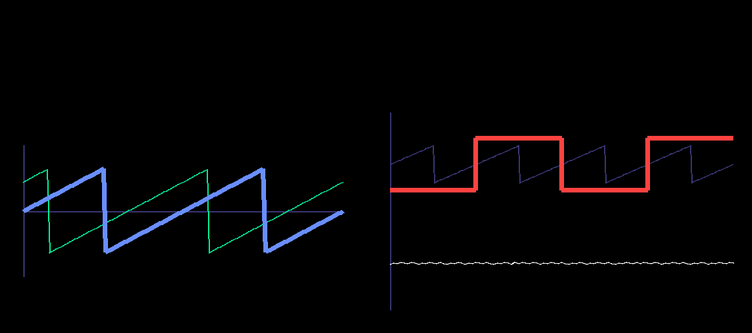
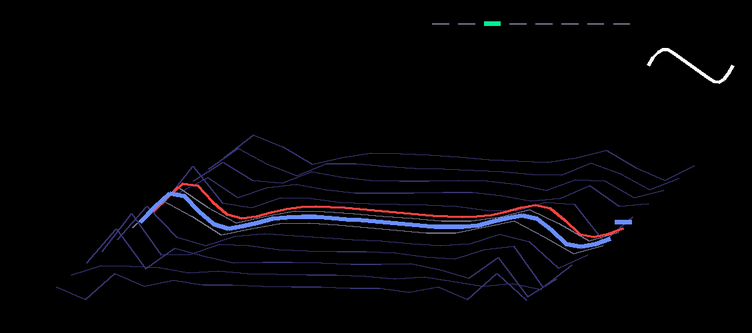
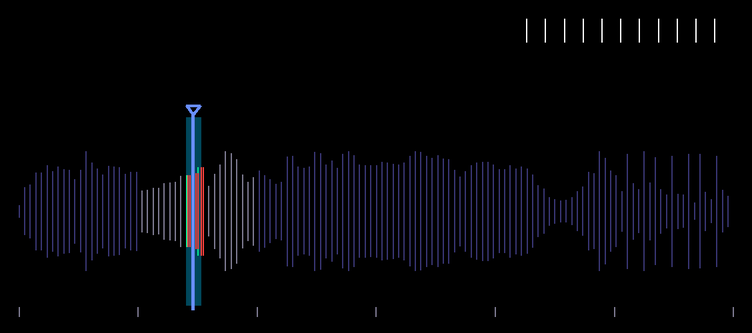

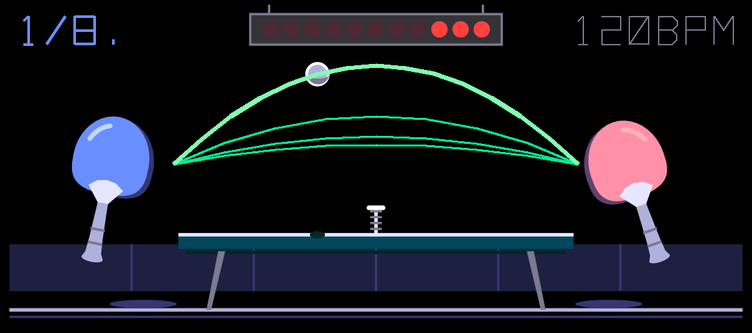
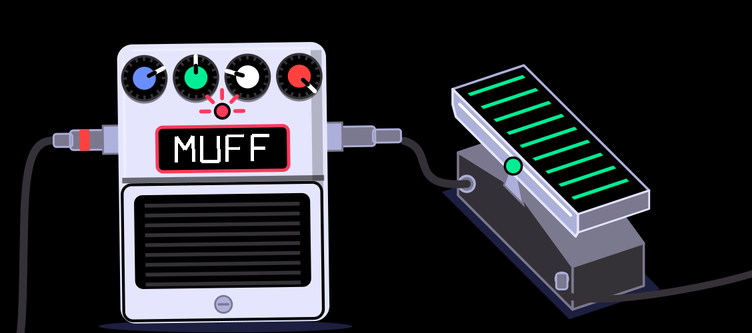
Every knob drives part of the picture, in its own colour.

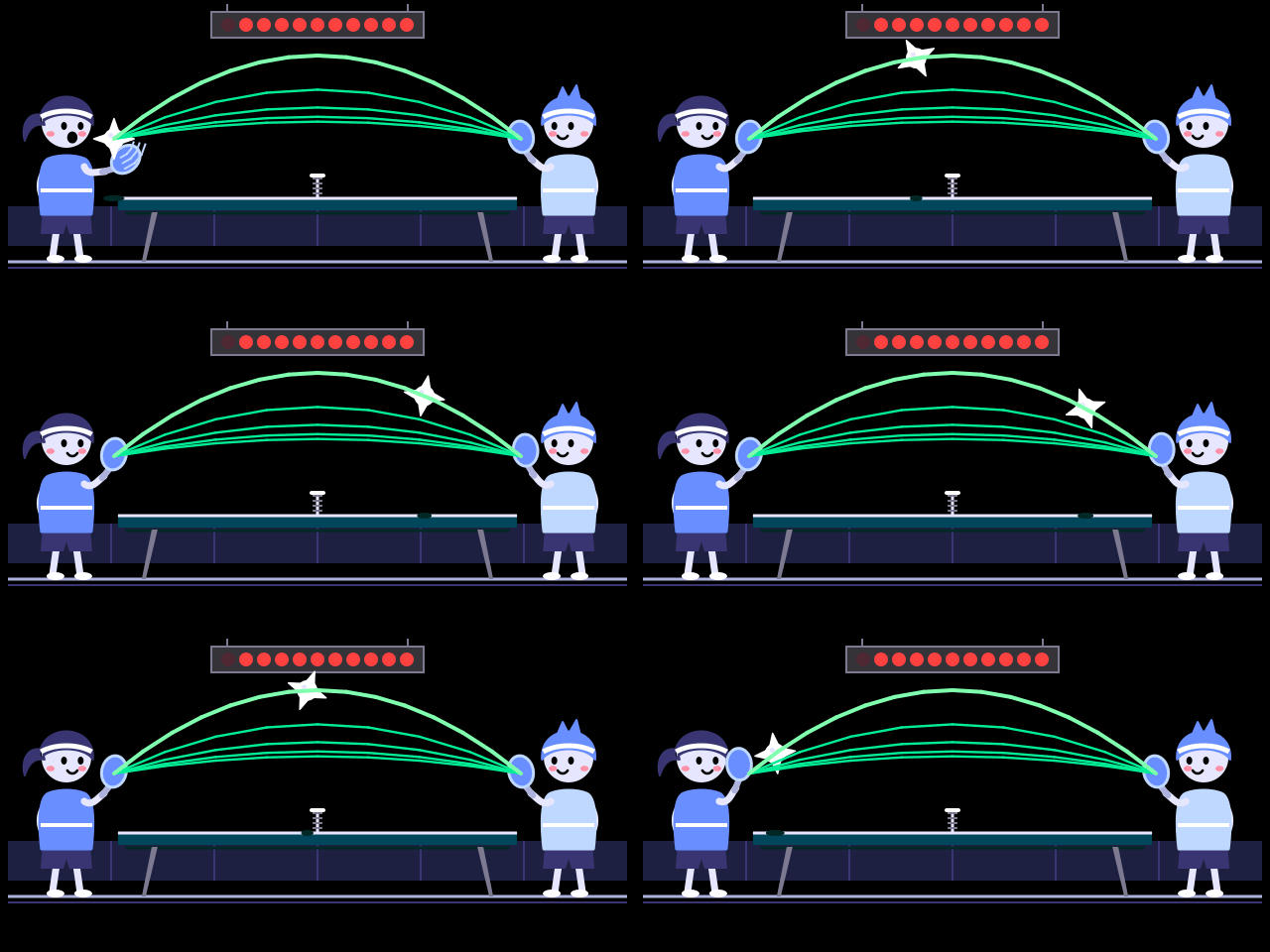
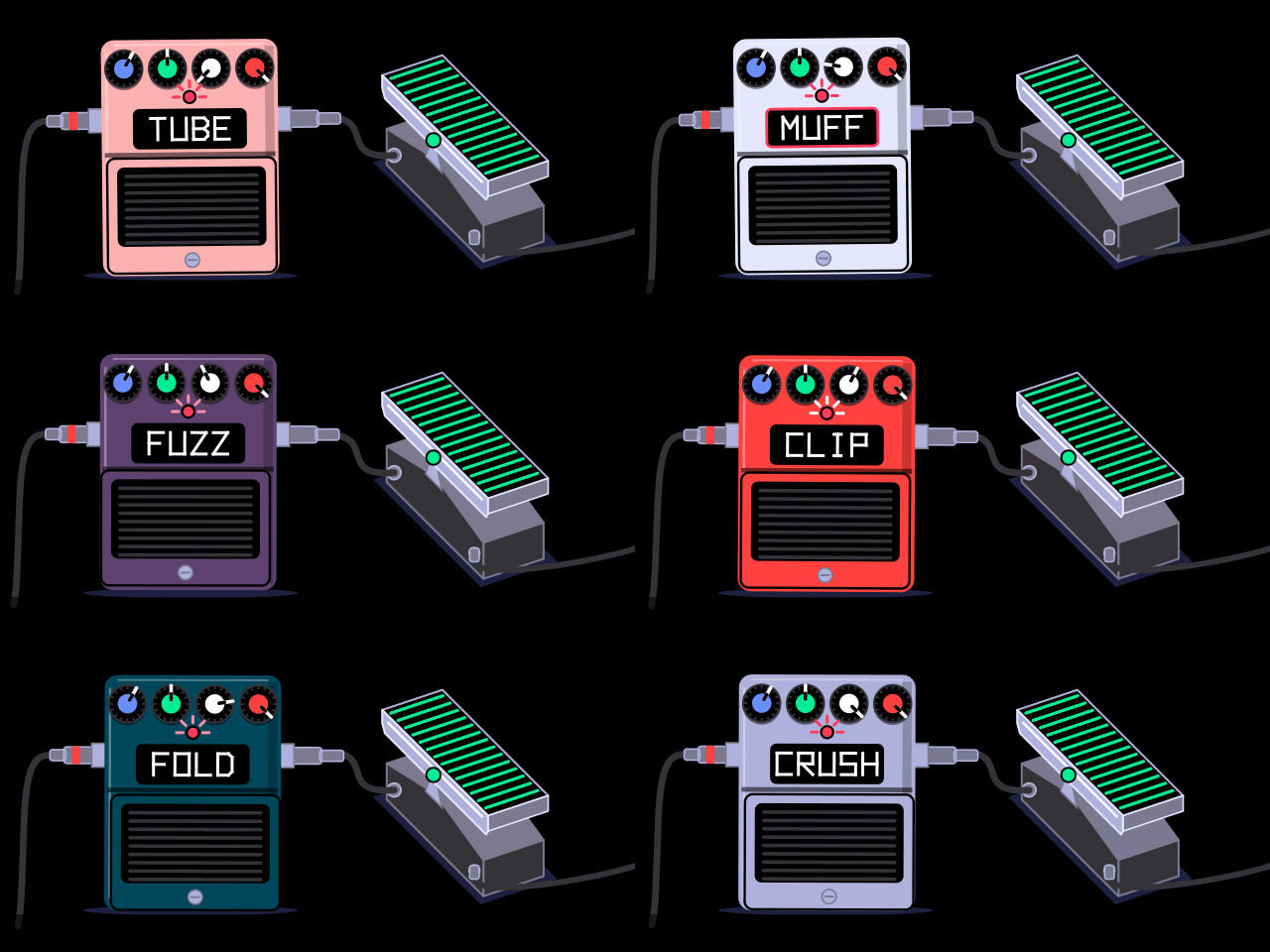
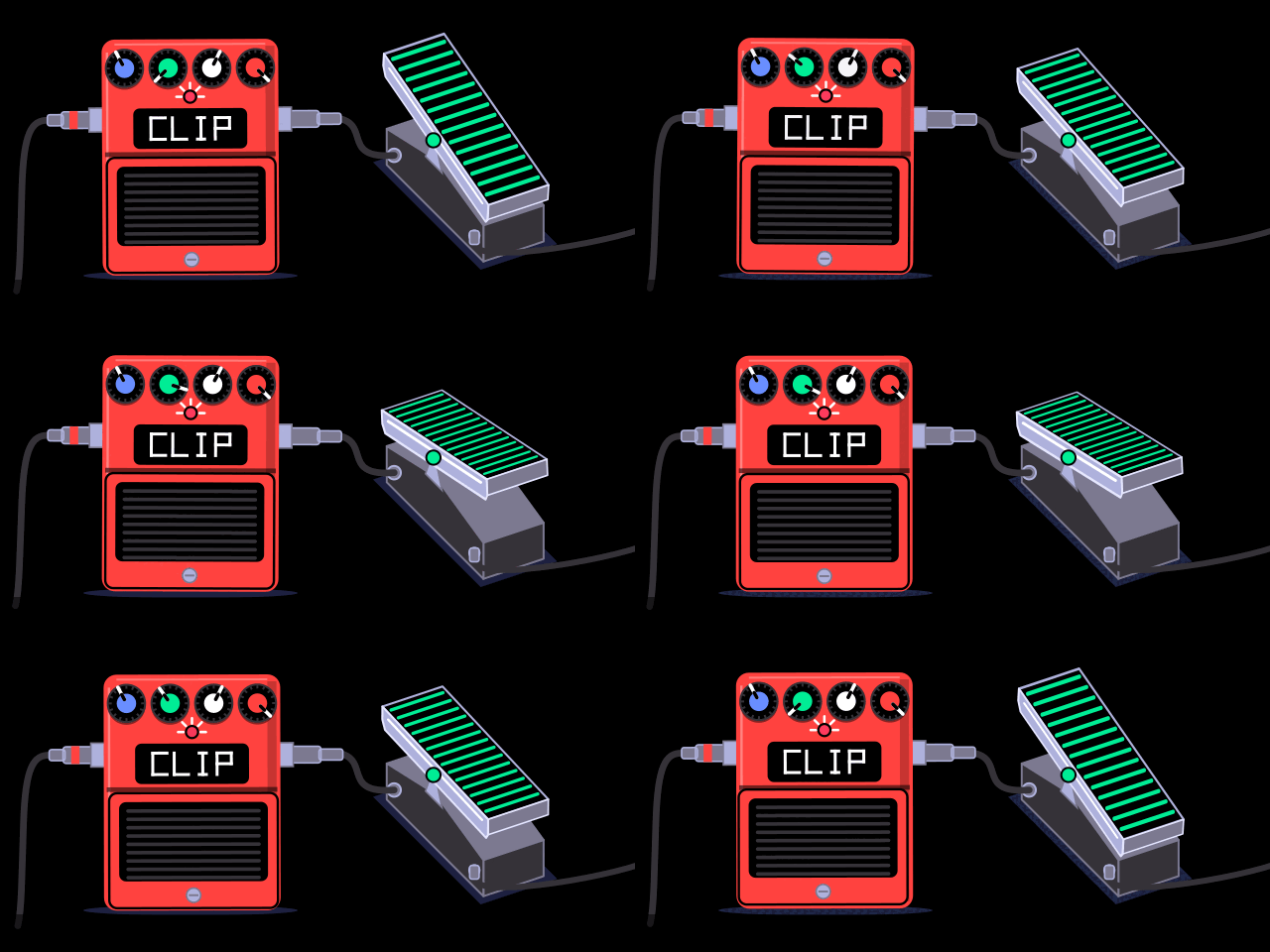
| blue | green | white | orange | |
|---|---|---|---|---|
| synth engines — in the engine list with their own presets and screens | ||||
| vatwo-oscillator virtual analog with sub and noise | wave (sine → saw → square → pulse) | osc 2 detune | noise | sub |
| wavetable8 banks of morphing wavetables | position | bank | warp | unison |
| graingranular; plays a built-in bank, or the sample in any sampler slot | position | grain size | density | spray |
| FX — on synth, drum and master; stereo as master FX | ||||
| ensembleBBD chorus, CE-2 style by default | rate | depth | character (CE → dual → string ensemble) | mix |
| pingpongping-pong delay | time | feedback | tone | mix |
| distortionTUBE, MUFF, FUZZ, CLIP, FOLD, CRUSH | drive | voice (low-pass ↓, wah ↑) | character | mix |
- HOLD — SHIFT + T2 on the synth screen latches released notes; again to release.
- CHORD — hold SHIFT and play a chord (up to 4 notes); then every key plays that shape. SHIFT + one key turns it off.
install
- Download stock firmware 246 from TE: op1_246.op1.
- Download
overdub-*.zipfrom releases and unzip it. python3 apply.py op1_246.op1(Python 3.10+, no other dependencies) asks which features to install (every engine, FX, HOLD and CHORD; all on by default) and writesOVERDUB.OP1. It checks that your file is stock 246 and that the result is exactly the expected image for your choice.- On the OP-1: hold COM while switching on, press 1 (upload firmware), connect USB, copy
OVERDUB.OP1to the OP-1 disk, eject. Same procedure as an official update.
Without the questions: --all, --without amp,crush, --only va,grain,hold; --list shows the features. A left-out engine or FX is only hidden from the lists, so sounds saved with it still load.
The release contains only our code, our database rows (engine/FX names and presets) and our SVG screens. TE's firmware never leaves your computer.
safety
- The bootloader is never touched.
te-boot.ldrstays byte-identical to stock (the tools refuse otherwise), so you can always go back: hold COM at power-on, upload stockop1_246.op1. - Before going back to stock, delete sounds saved with these engines or FX. Stock firmware doesn't know their names and stops at boot on such a sound. If that happens: COM at power-on, then factory reset.
- Never name a firmware file with
FRC,RBTorKEYin it: the OP-1's updater treats those as commands.apply.pyandbuild.pyrefuse such names.